
The Marketer’s Guide to Dashboard Design
Build Data Studio reports people actually read.
By Lazarina Stoy · first edition, October 2026
- 12 chapters in 5 parts
- 45+ figures
- A full before-and-after makeover
- 3-page design checklist
Reports that look like they were designed, because they were
Most Data Studio reports aren’t designed. They grow: a chart here, a logo there, a colour someone liked. The result is a page people squint at, scroll past and stop opening. This book is the design half of reporting, set up once and applied on every page: the canvas and grid, a type scale, colour that’s accessible and means something, a branded theme you can reuse, and pages that guide the reader from the cover to the answer.
It’s practical from the first page. Every idea is shown on the same two fictional businesses as my storytelling book, and every “In Data Studio” box walks you through the build, step by step, with screenshots.
Who it’s for
Anyone building their first real report
You know where the charts are. Learn the settings that make a page look intentional: grid, type, colour and theme, in the order that saves rework.
Agencies with many client reports
Ten clients, ten slightly different reports. Build one branded theme and master report and copy it, so every report looks like it came from the same team.
In-house teams reporting upward
A report the CMO opens on a phone between meetings. Make the cover, navigation and mobile layout work for the reader who has thirty seconds.
The book at a glance
- 174pages, PDF, read on any device
- 12chapters in five parts
- 45+figures, drawn to be legible at print size
- 1full report taken through a one-hour design pass
What’s inside
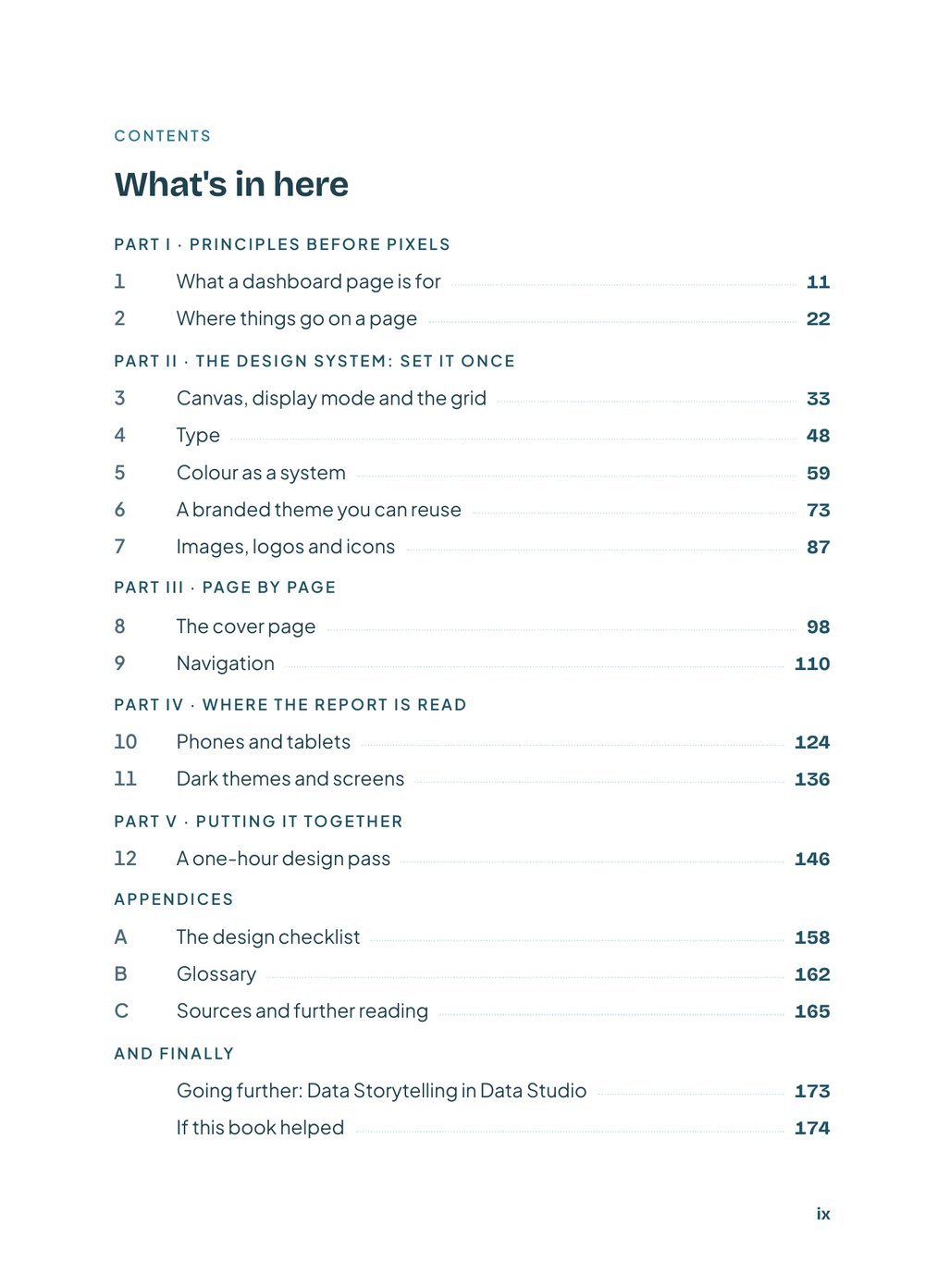
Five parts, in the order you’d design a report: the principles, then the system you set once, then each page, then where the report is read, and finally the whole method applied to one real report.
What a page is for
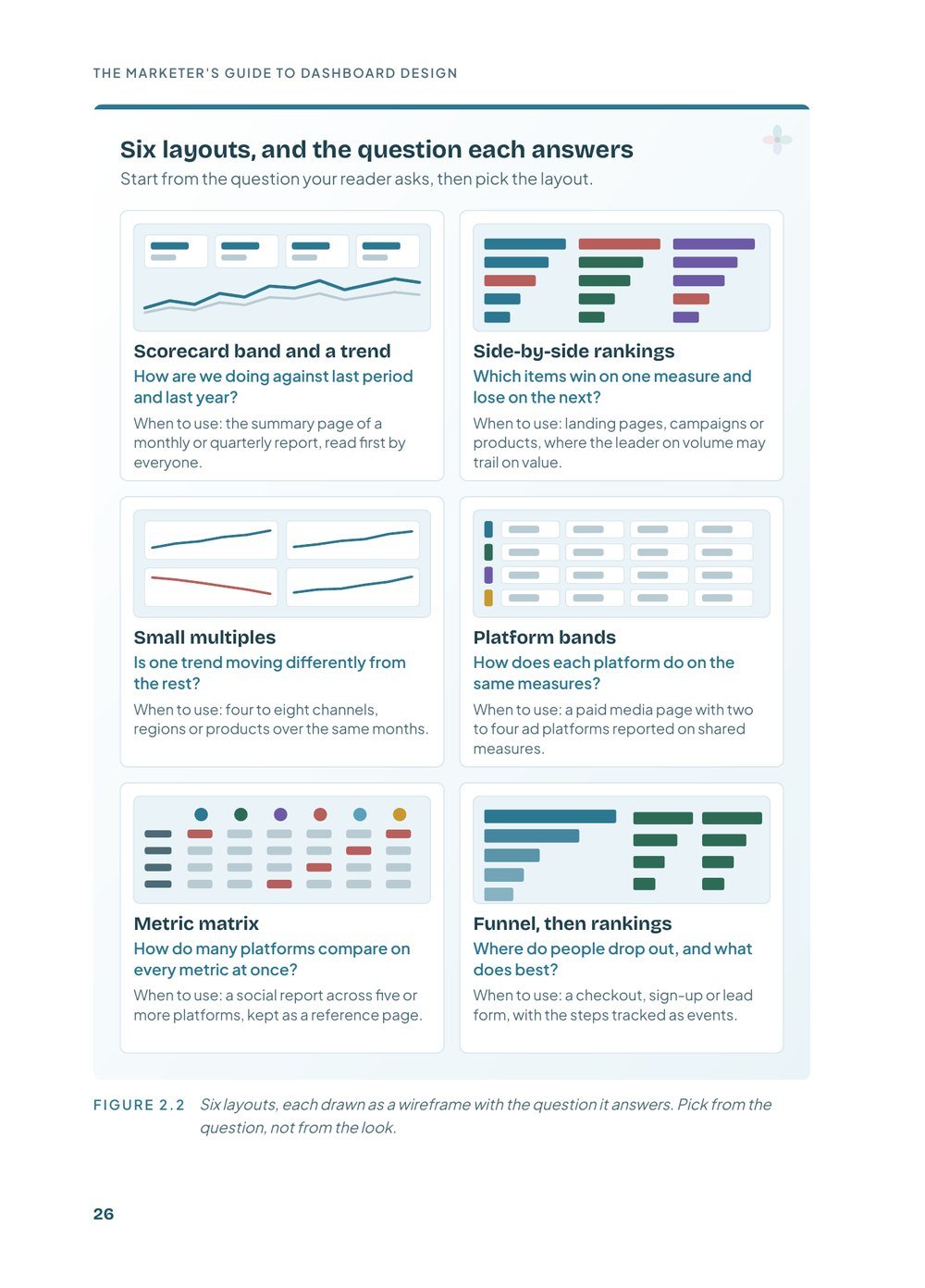
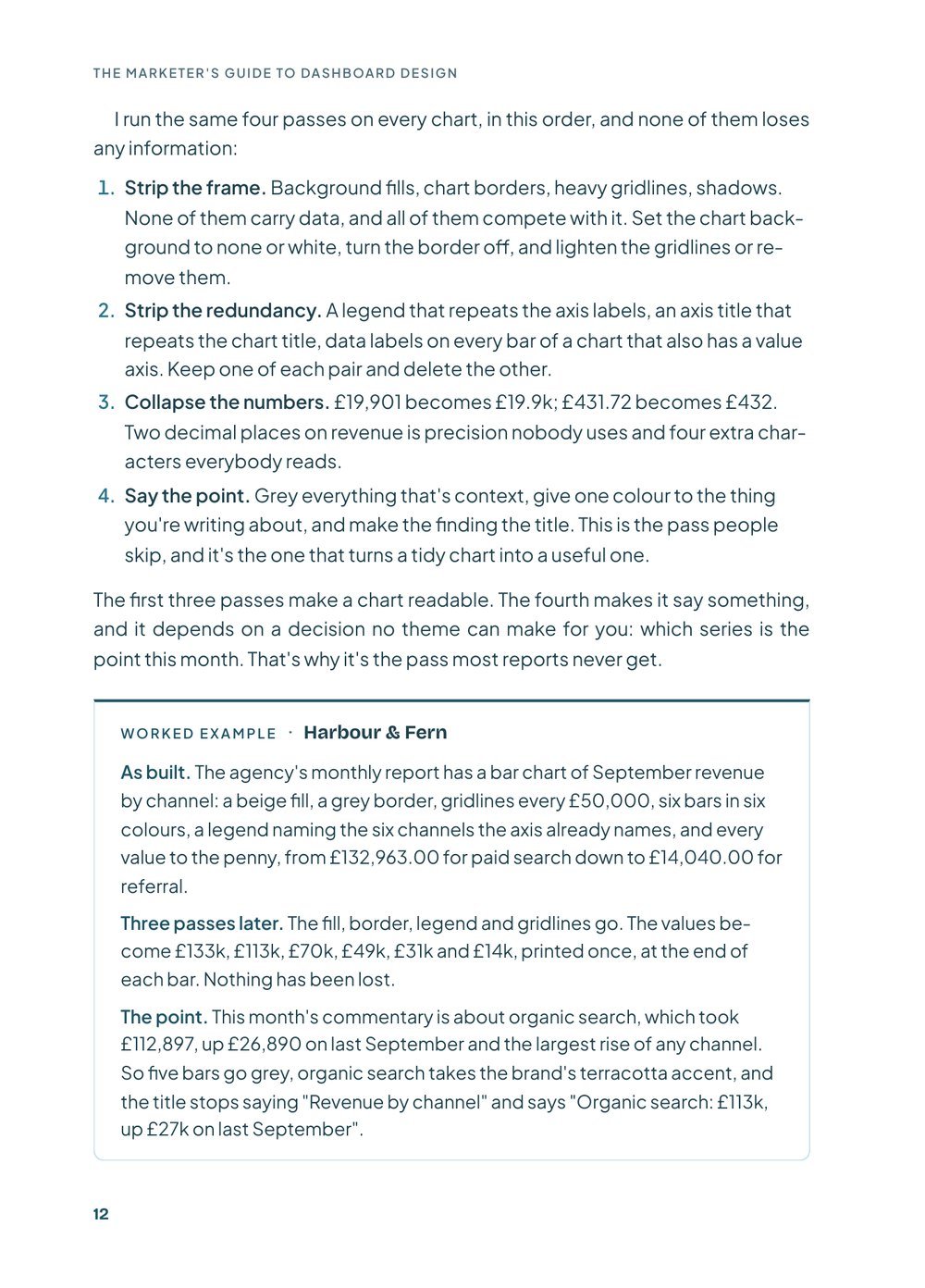
Remove to improve, visual hierarchy, grouping with space, and six layouts the strongest reports use.
- 1What a dashboard page is for
- 2Where things go on a page
Set it once
The settings that make every page consistent without effort, and the order to set them in.
- 3Canvas, display mode and the grid
- 4Type
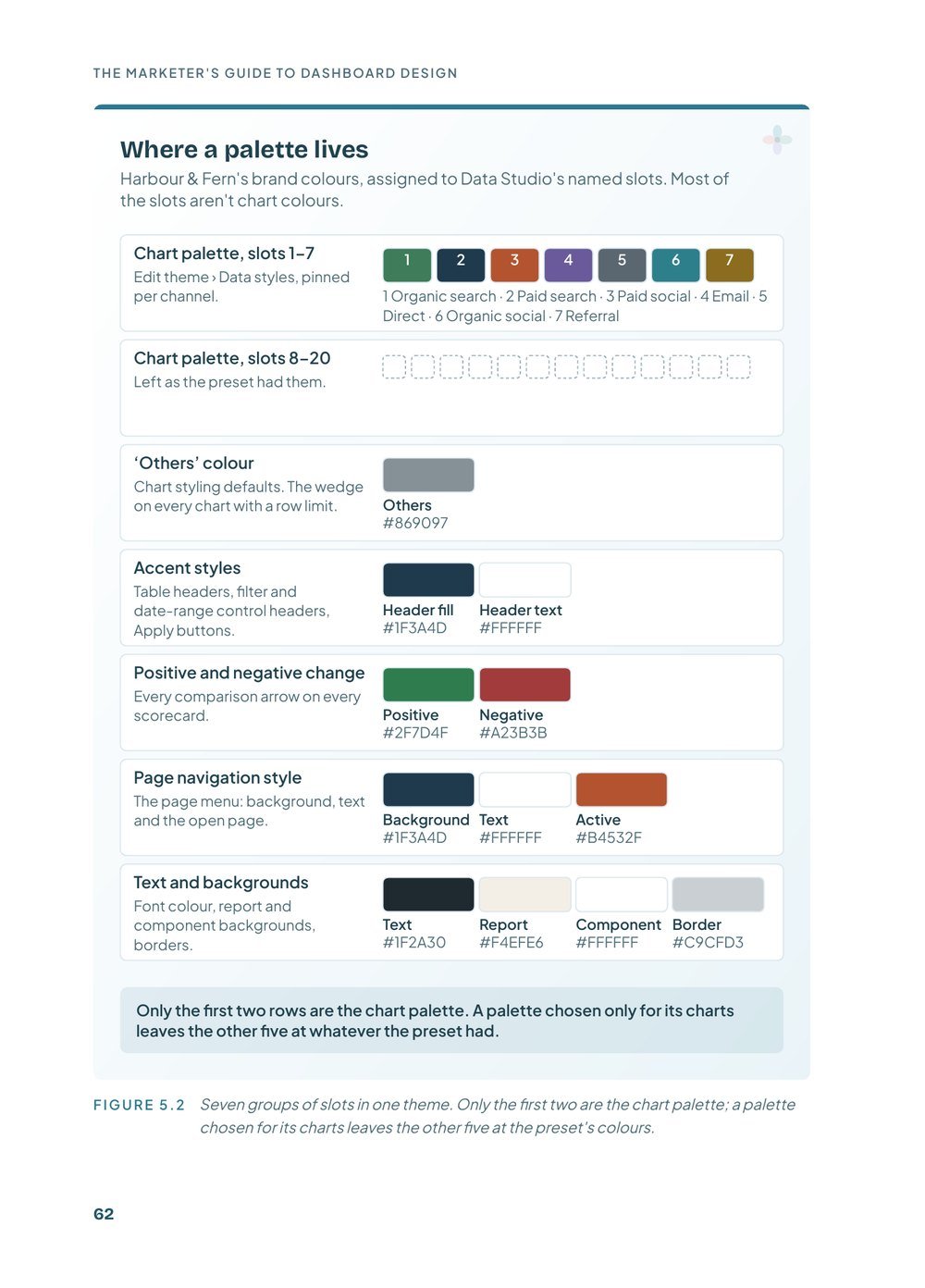
- 5Colour as a system
- 6A branded theme you can reuse
- 7Images, logos and icons
Cover and navigation
A cover that tells readers what the report is for, and navigation that shows them where they are.
- 8The cover page
- 9Navigation
Screens and phones
Freeform, responsive or the mobile app, and what dark themes help and break.
- 10Phones and tablets
- 11Dark themes and screens
A one-hour design pass
A full monthly report, before and after, with every step keyed to the chapter that explains it.
- 12A one-hour design pass
For your desk
Pages to keep beside you while you build.
- AThe design checklist (3 pages)
- BGlossary
- CSources and further reading
Before and after
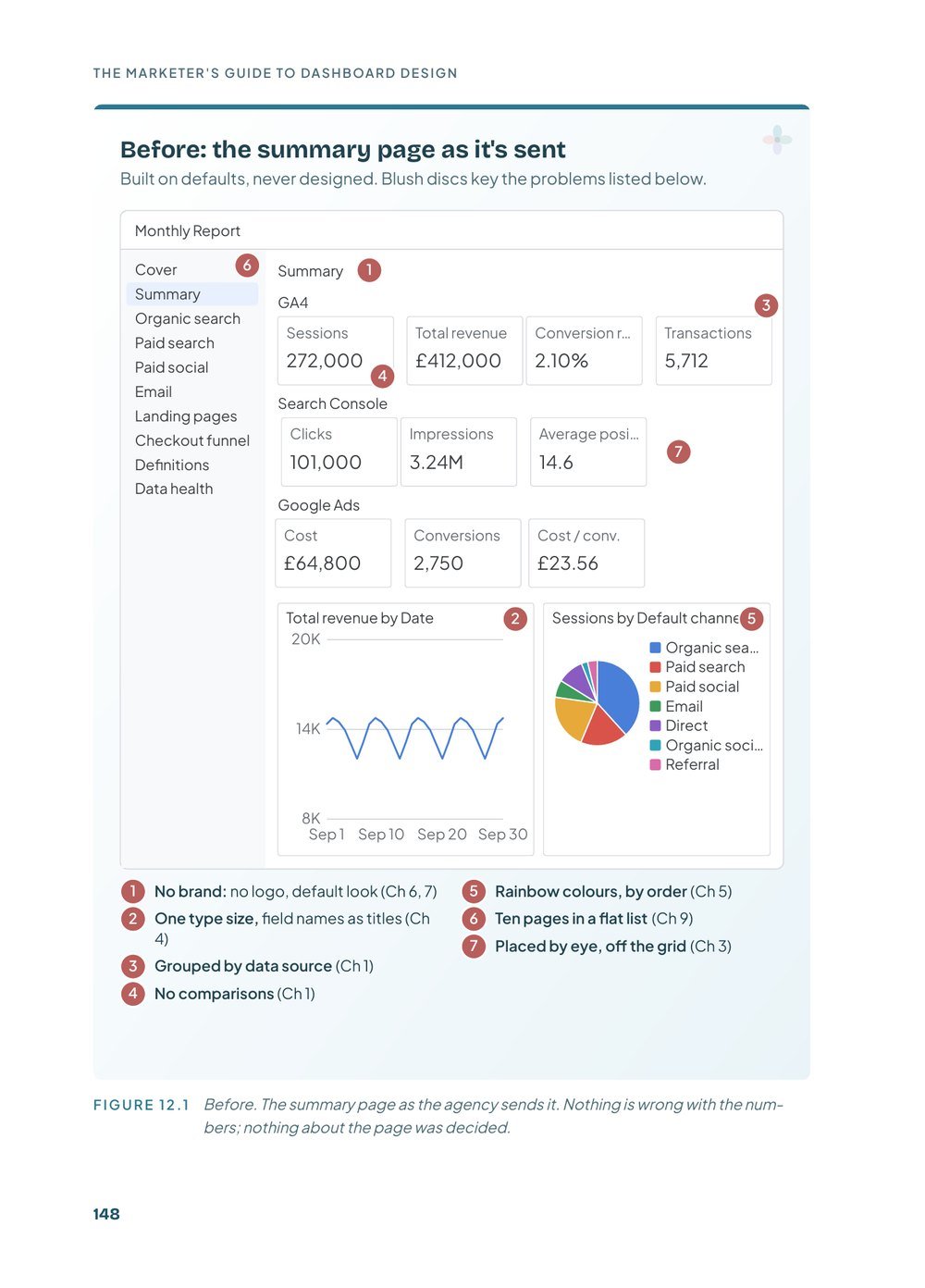
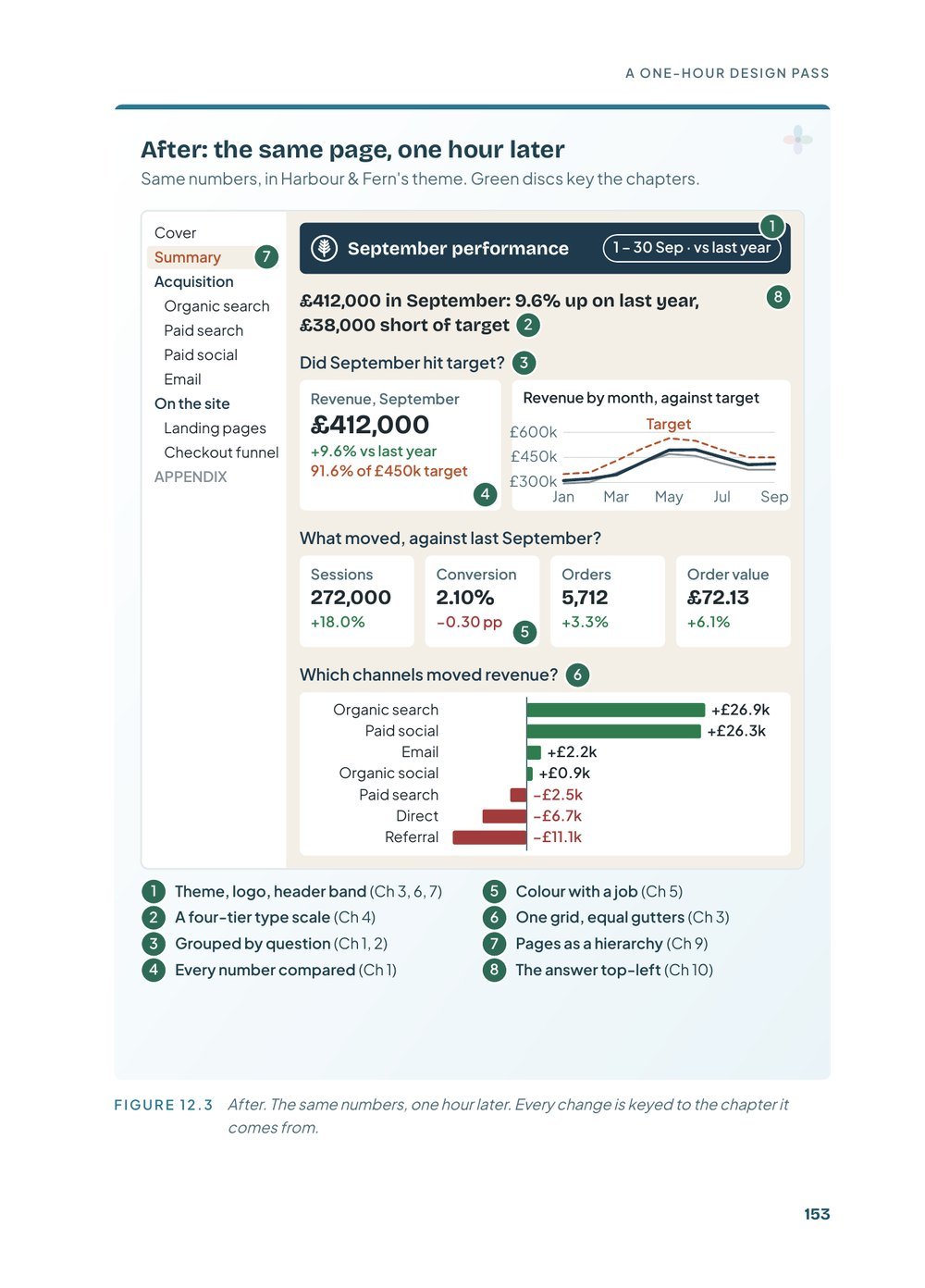
Chapter 12 takes a monthly report as it’s usually sent and gives it a one-hour design pass, in the order of the book. Each change is keyed to the chapter that explains it.
Look inside
What you get
- The ebook as a 174-page PDF, to read on screen or print
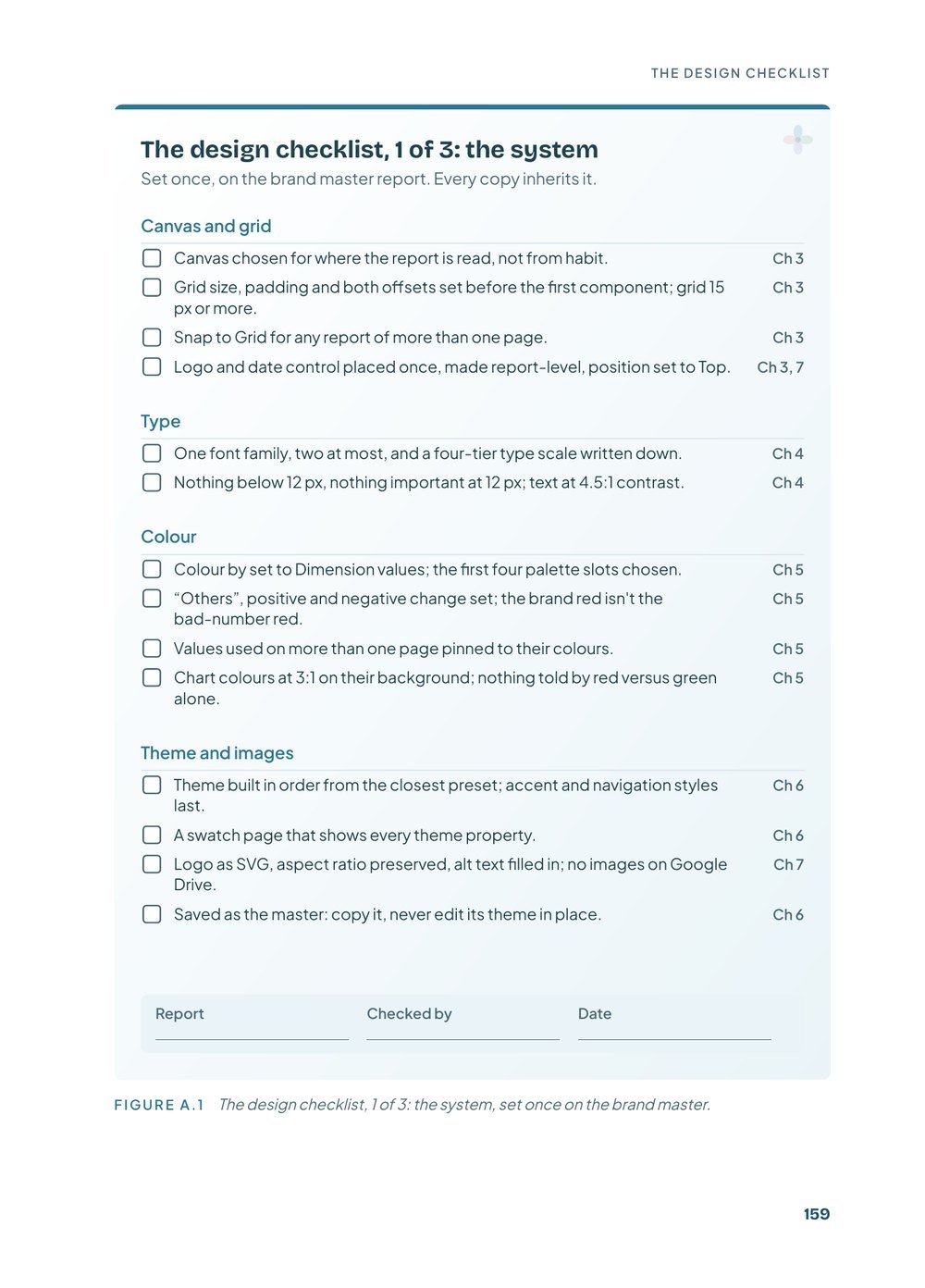
- A three-page design checklist: once per report, once per page, once before sending
- A four-tier type scale and an accessible palette you can copy
- Step-by-step “In Data Studio” boxes with screenshots
- Links to the full guides and templates on the site
- Kept in your account, with updated editions included
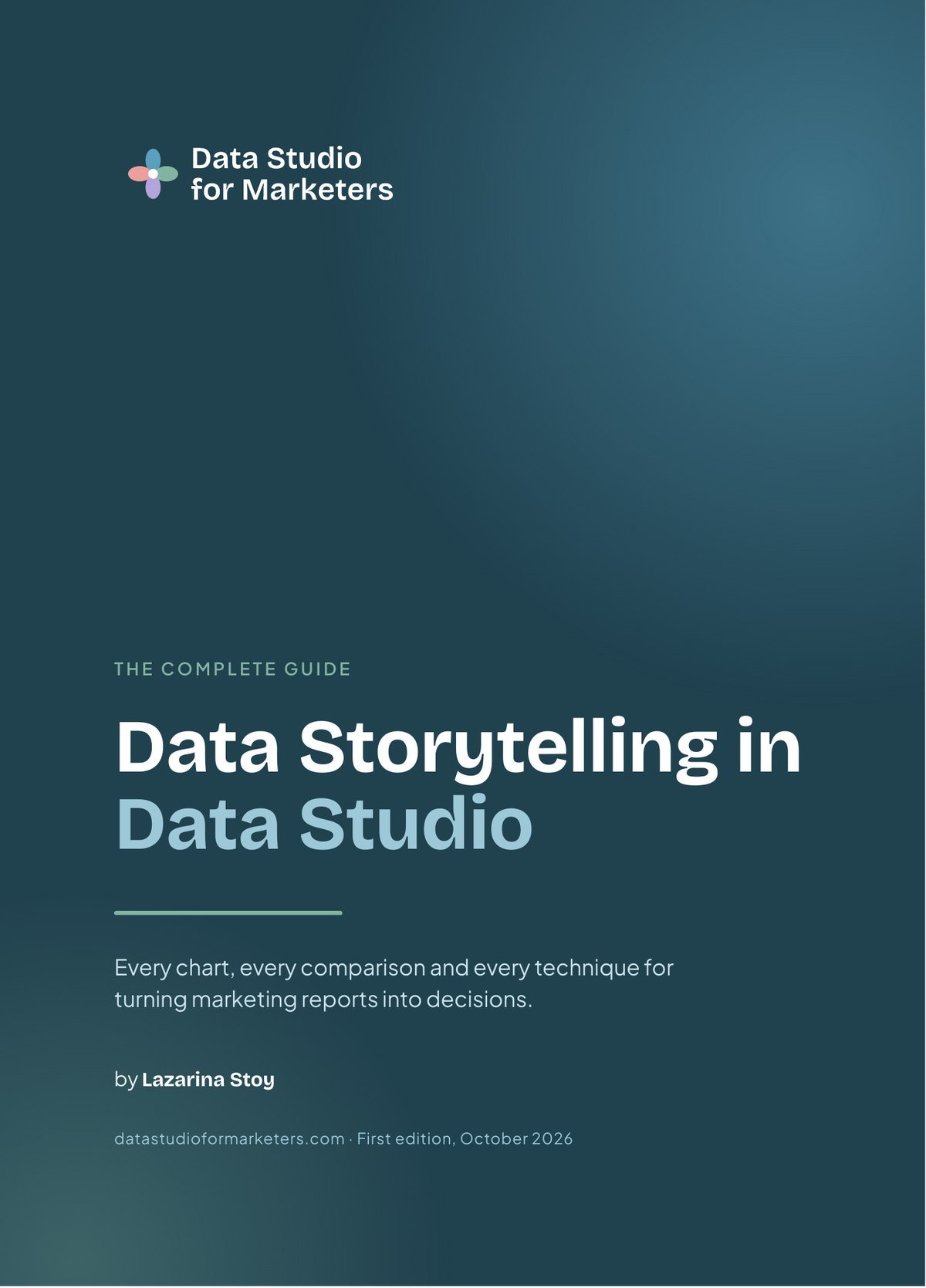
Data Storytelling in Data Studio
This book covers how a report looks and works. Its companion covers what it says: the reader and the decision, the comparisons that give numbers meaning, every chart in Data Studio, and seven report makeovers. 437 pages.

Lazarina Stoy
Data science and visualisation specialist · founder of MLforSEO · organic marketing and automation consultant
I’ve spent years turning large, messy marketing datasets into dashboards people can make decisions from. I’ve built courses on Data Studio reporting and visualisation for SE Ranking Academy, for Traffic Think Tank (a Semrush company), for corporate teams and for this platform, along with dozens of dashboard templates.
This book grew out of the dashboard design guides I’ve published on Data Studio for Marketers. I speak at events including brightonSEO, WTSFest and Pubcon.
What readers say
No reviews yet. If you've read the book, I'd love to hear what you thought.
Write the first reviewFrequently asked questions
Is it really free?
Yes. You go through a short checkout with your name and email, no payment details, and the PDF downloads straight away. It also stays in your account, so you can download updated editions later.
Why a checkout rather than a download link?
So the book sits in your account next to any other ebook you have from the site, and you can get updated editions without asking.
What format is the book?
A 174-page PDF with clickable links. It reads well on a laptop or tablet, and the figures are drawn to stay legible if you print it.
Data Studio or Looker Studio?
The same product. Google called it Looker Studio for a few years, and in April 2026 the name went back to Data Studio, which the book uses throughout.
How does it relate to Data Storytelling in Data Studio?
They’re companions. This one covers how a report looks and works; the storytelling book covers what it says. Each points to the other where a topic continues.
How was the book written?
The core comes from the dashboard design guides and trainings I’ve written over the years. AI tools helped compile and organise it and assisted with parts of the writing, editing and research. I oversaw the whole process and I’m responsible for every claim, which is why every study and statistic has a footnote linking to its source.
Design the next report once, and reuse it
174 pages on the canvas, type, colour, theme, cover, navigation and mobile layout of a Data Studio report. Free.