

How to connect Google Sheets to Data Studio
The most underrated data source in Data Studio: free, native, and the escape hatch for every platform with no connector. Plus the formatting rules that prevent most breakage.

The most underrated data source in Data Studio: free, native, and the escape hatch for every platform with no connector. Plus the formatting rules that prevent most breakage.

Google Ads connects in under two minutes. The connection is easy — the single vs manager account choice is what decides whether your report can cover more than one client.

Search Console connects through a free, Google-built connector — but one choice on the setup screen catches almost everyone, and picking wrong means rebuilding.

Twenty chart types; most reports need five. A decision matrix keyed on the shape of your data, verdicts on line vs bar and pie vs bar, and the row-limit behaviour that changes your numbers without telling you.

A working report in about ten minutes: connect a source, add charts, add controls, share. Plus the four decisions that separate a dashboard people use from one nobody opens.
GA4 connects through a free, Google-built connector in about ninety seconds. The steps, how to check it worked, and the four limits that confuse people later.
Copying a template takes about two minutes. The steps, the mapping step everyone gets wrong, and how to reuse one template across many clients.

Data Studio is free. Pro is $9 per user, per project, per month. What it adds for client delivery and governance, who can buy it, and when paying is right.
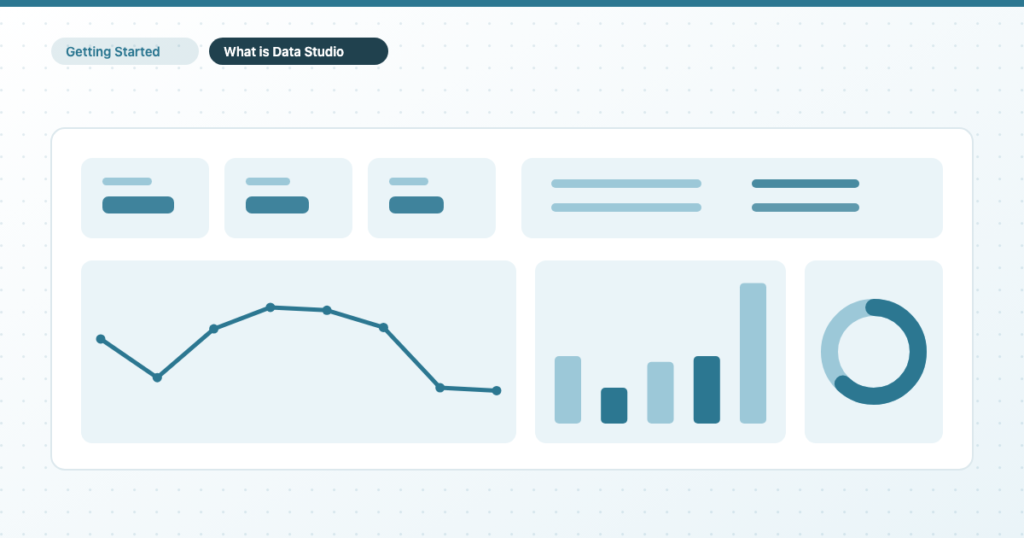
Data Studio is Google’s free reporting tool, formerly called Looker Studio. What it does, what it really costs, what it connects to, and whether it fits how you work.